I’m a big fan of the WP Editor plugin for WordPress which creates a wonderful rich text editor environment great for coding. It colorizes the markup with a dozen color themes ranging the gambit from light to dark. Making it a nearly perfect plugin for “Cowboy” coders who would prefer to edit sourcecode directly within WordPress.
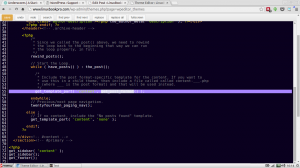
My only gripe is that WP Editor’s highlighted text line is far too bright and often conflicts with code tags, selected text and even the body text as it’s being written.
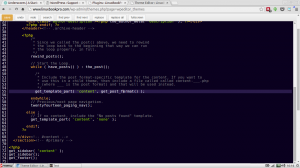
As a result I decided to create a very simple plugin that adds a 20% opacity to the highlighted line which help reduce the contrasty environment and makes things a little easier on the eyes.
It also gave me the oportunity to create a simple plugin.
Try it out and activate it alongside WP-Editor and let me know what you think.