Since I switched to Linux back in ’09 there have been few distributions focused on user experience.
Elementary OS started as a series of themes to customize Ubuntu but since 2011 it’s grown to a distribution of it’s own. Focusing on a well designed desktop experience for new and experienced users alike. If you’re a theme hacker Elementary won’t impress you, it doesn’t come with customization options, widgets, applets. This won’t not appeal to your average GNU/Linux hacker but perhaps it can appeal to a wider audience of computer users that really don’t care about micromanaging every graphical detail to the last pixel.
Keep it simple, stupid.
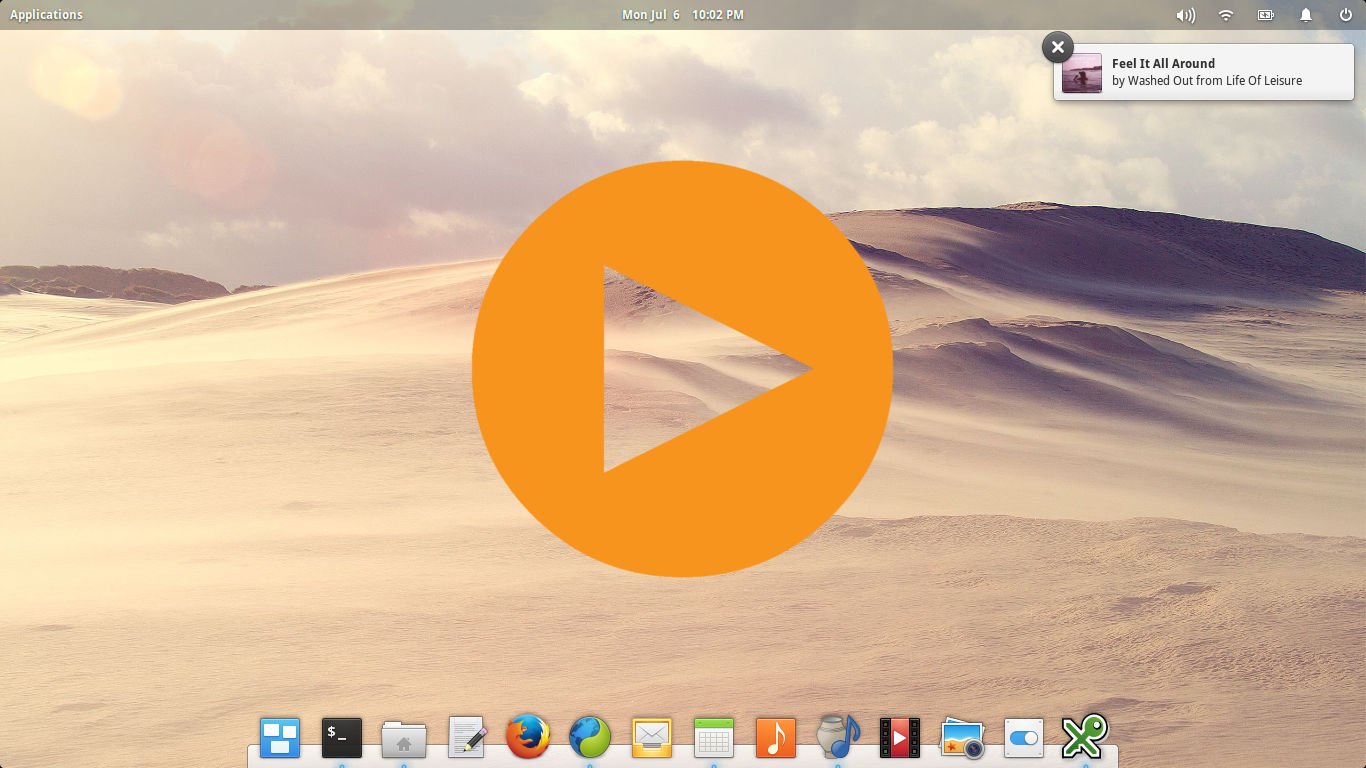
Leaving all the extra features to other distributions allows the Elementary team time to focus on core features and apps geared to an average consumer’s expectation. Geary Email, Calendar, Scratch, Music, Video, Photos and a Calendar provide the basics along with Midori (a webkit favorite lightweight web browser of mine). While including an intuitive desktop swticher for managing multiple desktops.
Lightweight
Even GNU/Linux is getting heavier over time. Elementary OS hovers between 900mb and 1.2gb of ram usage. Still light enough for some old netbooks.
Workflow
After getting used to the keyboard shortcuts it’s a really comfortable way to work and organize applications. by moving or dragging them to another workspace. The notifications box is near perfect and I love how they designed their terminal and video player.
Not quite perfect
Setting up an Nvidia graphics card is a pain in the butt, I haven’t even bothered to try but if you’re adventurous it’s possible. Being based on Ubuntu I wonder why it’s not as simple to deploy non-free drivers? Also it’s using the Ubuntu Software Center which really hasn’t been improved in 3 years, I’d like to see them migrate the next version over to Linux Mint’s software center.
